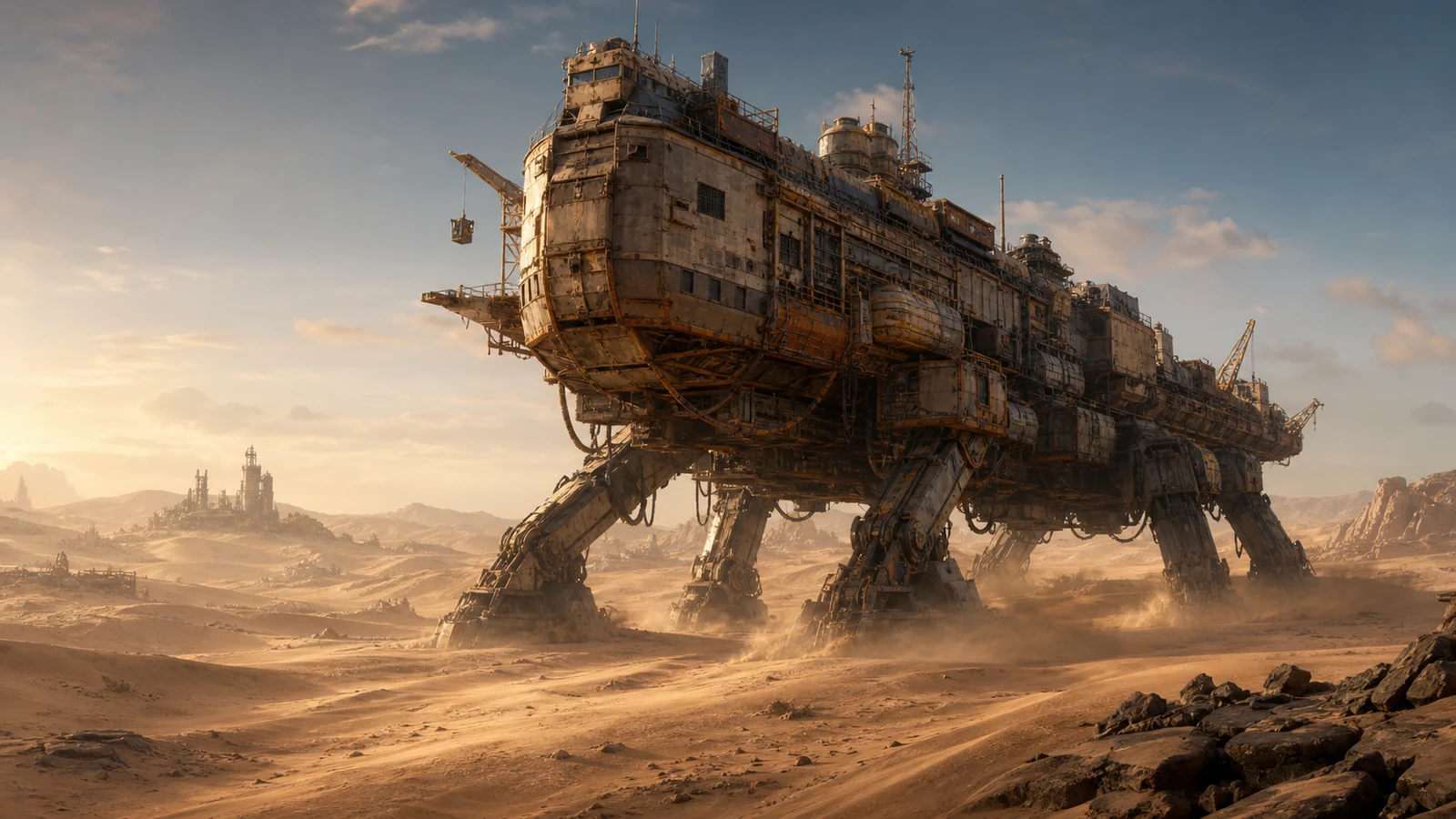
Quick answer
If you have neither a Trampler nor resources to rebuild, create a new character or join a team that owns a Trampler. Inventory and Tech Tree progress stay with the character and selected region, while Trampler Blueprints are shared across characters. The cited third-party guide says a Blueprint saves the design, parts and weapons, but not items stored inside.
Before you start
- Confirm that the current character has neither a Trampler nor resources to rebuild.
- Choose between the two documented recovery branches: a new character, or a team that already owns a Trampler.
Steps
- 1
If a team that owns a Trampler is available, join that team instead of trying to rebuild from zero.
Expected: You are using the team-based recovery path named by the official FAQ.
- 2
If no such team is available, create a new character.
Expected: You are using the new-character recovery path named by the official FAQ.
- 3
Before changing character or region, separate character-bound progress from shared data: inventory and Tech Tree progress stay character- and region-bound, while Trampler Blueprints are shared.
Expected: You do not expect inventory or Tech Tree progress to transfer, but you can rely on Trampler Blueprints being shared across characters.
- 4
Treat a shared Blueprint as a design record, not a storage backup.
Expected: The cited third-party guide says the design, parts and weapons are saved, while items stored inside the Trampler are not.
Success checks
- You have chosen one documented recovery branch: a new character or a team that owns a Trampler.
- You know that inventory and Tech Tree progress stay bound to the character and selected region.
- You know that Blueprints are shared across characters and that the cited third-party guide excludes stored items from the saved Blueprint.
Troubleshooting
The new character does not show the previous character's inventory or Tech Tree progress.
- Keep inventory and Tech Tree expectations tied to the original character and selected region; those records are not shared across characters.
A shared Blueprint did not restore items stored inside the Trampler.
- Use the Blueprint for the saved design, parts and weapons; do not treat it as a backup of stored items.
The current character still has no Trampler or resources to rebuild.
- Use one of the two documented recovery paths: create a new character or join a team that owns a Trampler.
Sources
- Prodigygamers Trampler Blueprint guide by Angelz
Checked Jul 13, 2026
- Official SAND pre-release FAQ, published by tinyBuild-Jay and signed Hologryph / tinyBuild Games
Checked Jul 13, 2026
- Current tinyBuild Player Support FAQ; no publication timestamp exposed
Checked Jul 13, 2026