Quick answer
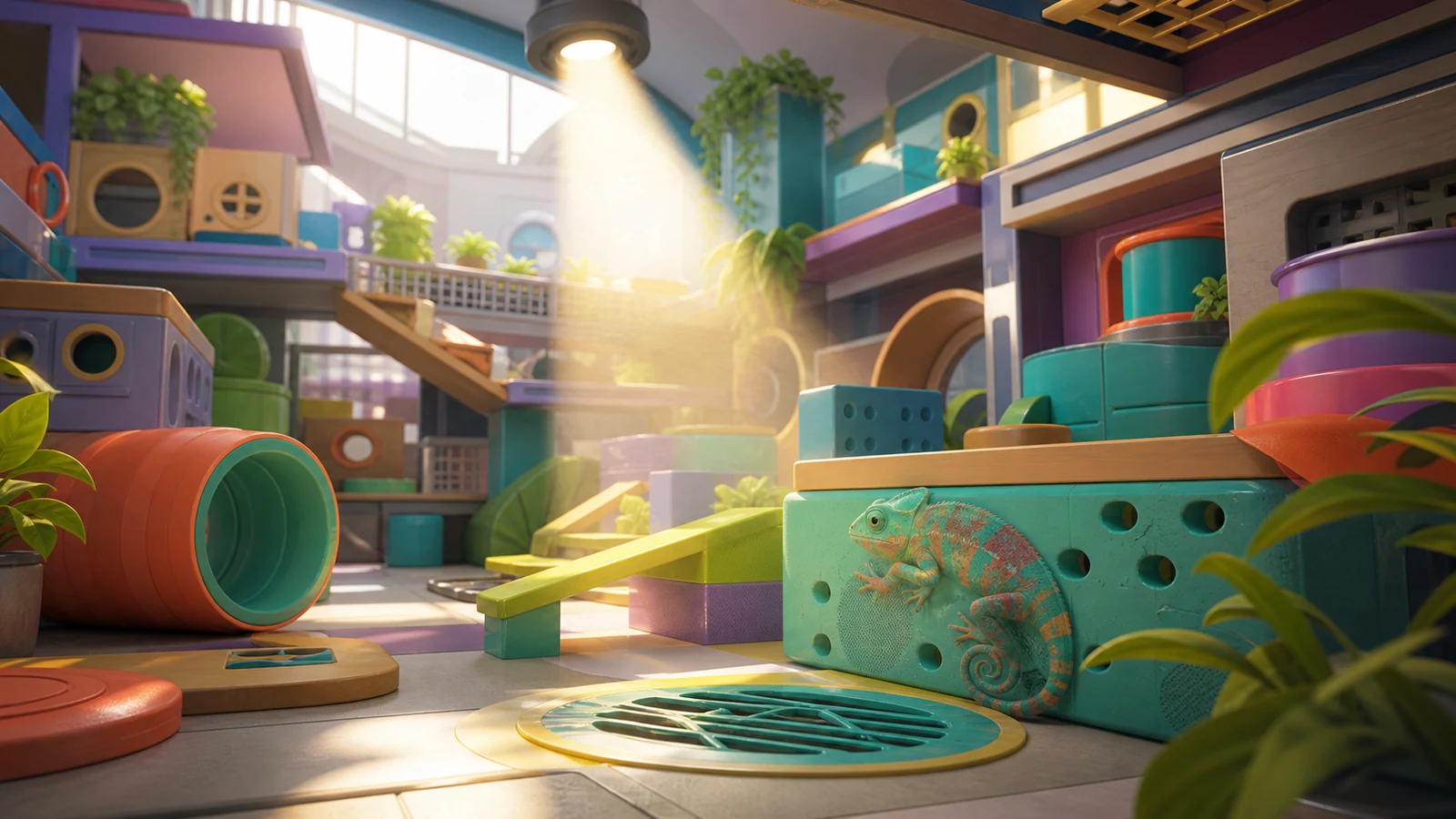
HIKAKIN Museum is a collaboration map, and collaboration maps are OFF by default in random rotation. In the v2.7.0 random-map per-map settings, switch HIKAKIN Museum to ON.
Before you start
- Use MECCHA CHAMELEON v2.7.0, where random-map selection supports per-map ON/OFF settings.
Steps
- 1
In the random-map per-map settings, switch HIKAKIN Museum to ON.
Expected: HIKAKIN Museum is included in the random rotation.
Success checks
- HIKAKIN Museum's per-map setting is ON.
Troubleshooting
HIKAKIN Museum looks missing from random rotation.
- Confirm that HIKAKIN Museum's per-map setting is ON; collaboration maps are OFF by default.
Sources
- Official MECCHA CHAMELEON update 2.6.0 announcement
Checked Jul 13, 2026
- Official MECCHA CHAMELEON update 2.7.0 announcement
Checked Jul 13, 2026